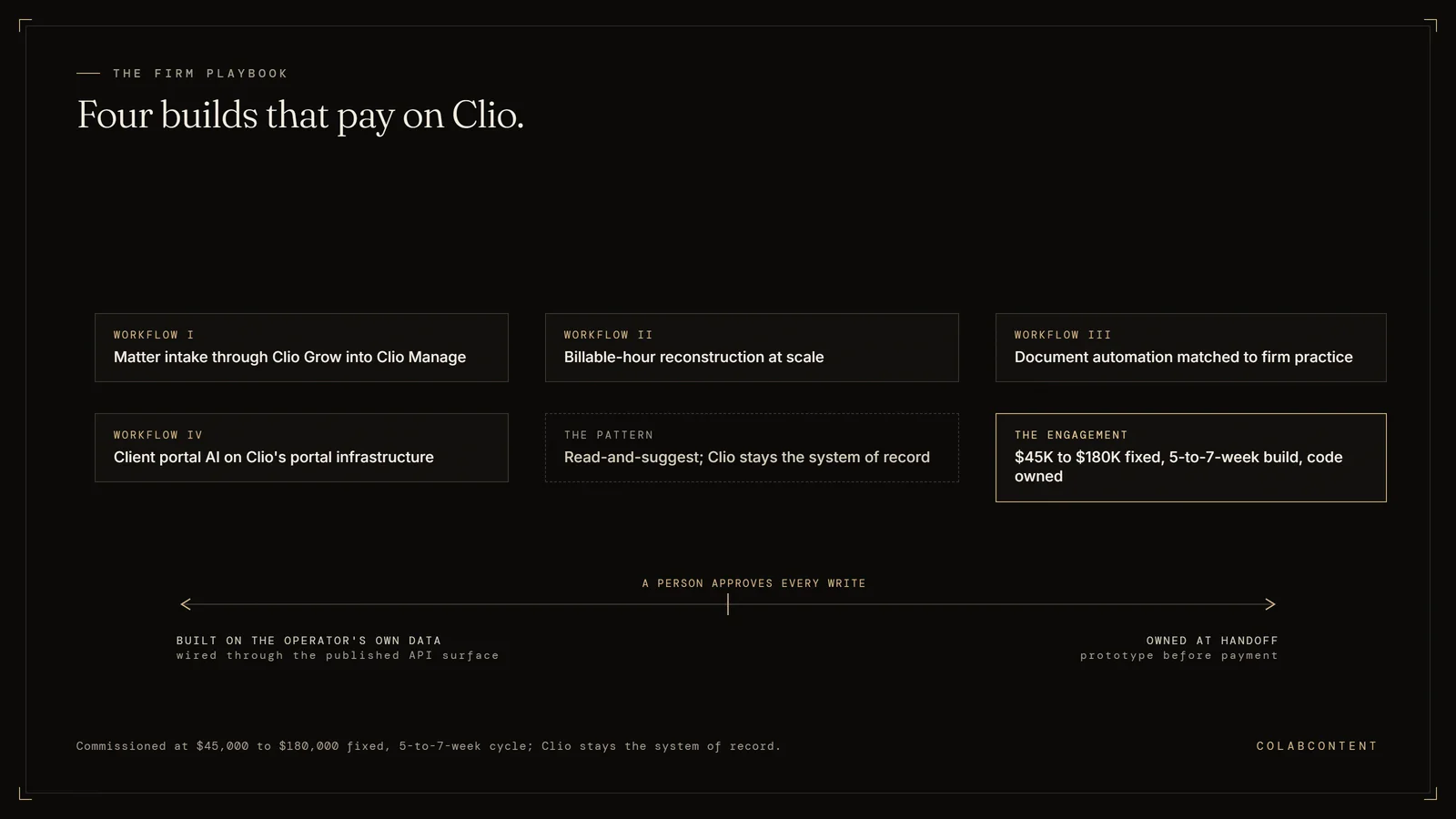
What this playbook covers and who it is for.
Clio Duo has shipped real AI features and the team behind it is among the most credible in legal tech. The features cover the average Clio customer, which by Clio's segmentation is a 1-15 attorney firm. The mid-market firm with 15-100 attorneys, increasingly common on Clio as they outgrow PracticePanther or MyCase, has different needs than the average solo or small firm.
The mid-market firm needs custom matter-aware AI on top of Clio, not Clio Duo configured well. Architecture follows.
The Clio surface area we touch.
Clio exposes the Clio Manage API v4, a REST (a standard way for software to exchange data over the web) API authenticated with OAuth (the standard sign-in handshake between two systems) 2.0, with coverage of matters, contacts, activities, time entries, bills, documents, and tasks. Webhooks are documented for created, updated and deleted events. Rate limits are fixed: 50 requests per minute at peak by default, and Clio does not grant custom increases.
For firms requiring data residency control, we deploy the AI layer in the firm's own cloud tenant (a private cloud account). Clio data is read through the API; the AI processes locally; results are written back to Clio.
Workflow I: Matter intake automation through Clio Grow into Clio Manage.
The intake workflow at most mid-market firms looks like: Clio Grow form fill, partner email triage, paralegal manually creating the matter in Clio Manage with the right metadata, conflict-clearance email chain, engagement letter drafting. Eight to twenty-two hours of friction per new matter.
The custom-AI version: Clio Grow webhook (an automatic notification one system sends another when something changes) fires; AI runs conflict-clearance against the firm's matter history through Clio Manage API; drafts engagement letter from the firm's template + Clio's matter data; creates the Clio Manage matter with correct fields; kicks off document collection. Partner reviews the package, signs the engagement letter, the firm captures the matter without manual assembly.
Workflow II: Billable-hour reconstruction at scale.
Same pattern as the iManage playbook, applied to Clio's time-entry model. The AI reads attorney activity (Clio document opens, edits, emails, calendar, Teams calls) plus matter context, drafts time entries with descriptions matter-mapped and ready for partner edit through Clio's time-entry interface.
Clio's existing AI time-tracker handles the simple cases. Custom AI handles the partner-level reconstruction that Clio Duo doesn't cover: cross-referencing iManage or Dropbox activity, capturing email and call work that didn't trigger Clio's auto-time, reconstructing the Friday-afternoon time-entry catchup.
Workflow III: Document automation matched to firm practice.
The custom-AI version is matched to the firm's actual document templates, not generic legal templates. Reads the matter context from Clio, the prior similar matters, the firm's standard clauses. Drafts the document; partner reviews; document attaches to the matter in Clio.
Practice-area specific: the litigation firm needs different drafting than the family-law boutique than the corporate practice. Custom AI fits each. Clio Duo and CoCounsel are excellent for the average; this playbook is for firms whose drafting is meaningfully differentiated.
Workflow IV: Client portal AI on top of Clio's portal infrastructure.
Mid-market firms increasingly use Clio's client portal for document collection, status updates, and billing. The custom AI layer handles routine client questions ("when is my next deposition?" "did you receive my W-2?"), drafts status updates from matter activity, and surfaces partner attention only when something material happens.
What we don't build.
We do not replace Clio Manage, build a competitor to Clio's own Clio Duo or to Thomson Reuters' CoCounsel, or migrate firms off Clio. The leverage is in firm-specific workflow integration built on top of Clio, not in replacing Clio itself or either of those AI products.